For managers · marketers · analysts · designers

Build your ideas without writing code

Hand the tedious work to Claude and stop redoing it a hundred times. You will learn to set the agent’s tasks and check the result without reading code.

Start freeThe full course is $199.

Free: the intro, 2 modules and an exam. All you need is your email.

Stas ShevchenkoStas Shevchenko · nine years in product. I do not write code; I build products with Claude. about me

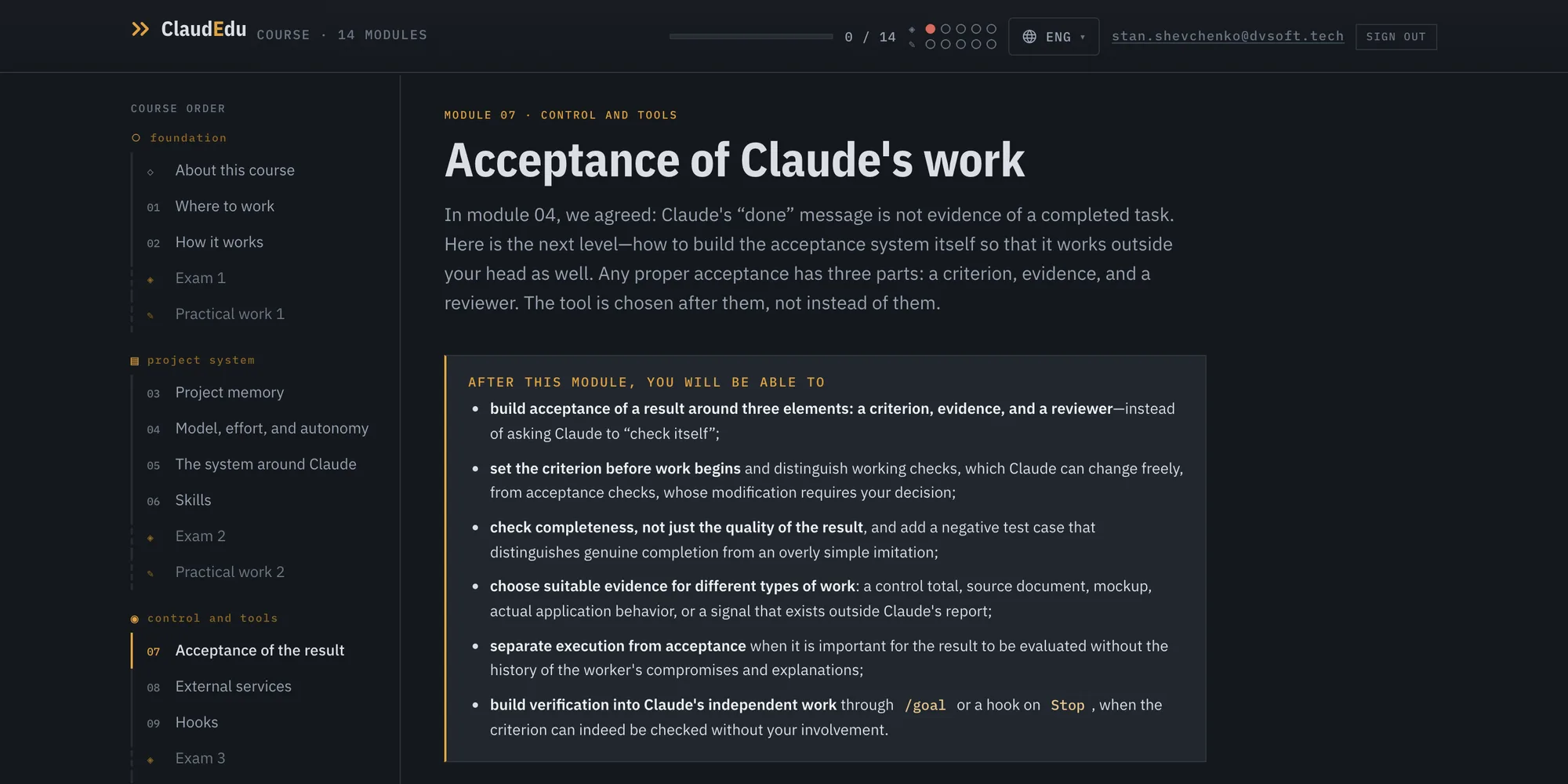
A course module: the rail on the left, the module goals, the text
14 modulesonly what the work needs
206 questionsthey check you understood the material
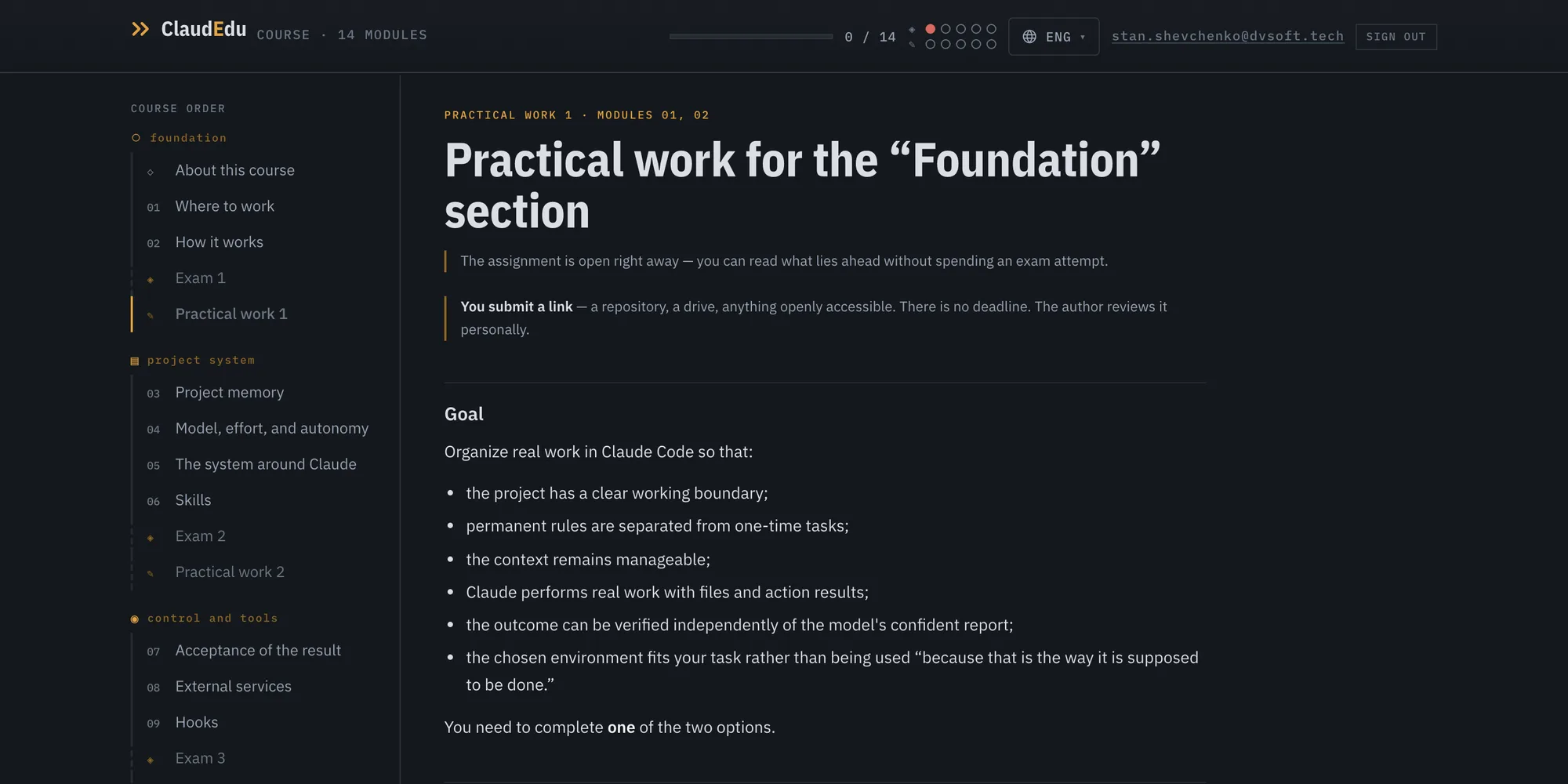
5 assignmentsreviewed by me
20% freetry before you pay

How people who don’t write code use Claude

Claude Code works not only with code, but with the files on your computer.

A product prototype to test a hypothesis

Check the idea without spending a development sprint.

The campaign report you assemble by hand every Monday

Claude will assemble it for you and send it ready.

A two-thousand-row export

You will never open it; Claude will sort it, group it and back up every conclusion.

The design of a new feature from a user story

Claude will assemble the Figma mockups from your design system and wait for your review.

Problems every Claude user runs into sooner or later

The limit runs out halfway through

You spent an hour building up context, the work is half done, and everything stops until evening.

Claude said “done”. It wasn’t

You have nothing to check it with: you can’t read the code, and on screen everything looks right. You find out from live users.

More and more skills and connections, and no gain

Nothing got faster or better, but the limit runs out sooner: every connection takes up room in the agent’s memory even when it is idle.

A new session, and you explain it all again

Yesterday you spent half an hour explaining the project. Today the agent remembers none of it — not the rules, not the decisions, not where you stopped.

Skills, MCP, LSP, Routines — which of these do you actually need

The names keep multiplying while plain explanations do not. There is nothing to help you tell what solves your problem from what merely exists.

Every one of these problems has its own module.

The course teaches you to get a result from Claude that you can stand behind

Other courses show what Claude can do. Being able is not enough: the agent’s work has to be accepted, and that needs a criterion, evidence and someone to check.

A result can be quietly replaced by a sign of a result

You ask for two thousand reviews to be analysed and the problems named. The agent sends back a list of five. The list looks plausible. Claude may never have read all two thousand of them.

How to catch it. Ask what exactly this sign proved: how many rows were processed, where that number came from, and what happens if you feed in a deliberately bad row. If a stub was used in the check, the report has to name it outright.

This is one failure mode out of four. The other three are in module 14.

The real resultLooks like the result
the whole set is processed and classifieda plausible list of five problems came out
the record appeared in the real system“Sent” appeared on the screen
the cause of the error is gonethe error message is no longer visible

You will build at least two projects of your own

Your projects start working as the course goes on.

Project 1 · Your routine

What you do by hand every week: a summary, an export, a report. By the end of the course it runs without you.

Project 2 · A small web product

The kind of thing that used to require a developer.

Not sure what to pick? You will choose in the first section — it is free.

free

Try the course before you pay

The first group of modules is open in full: the intro, 2 modules and the exam for them. That is 20% of the course.

By then you will have chosen both of your projects and set up your environment. Not notes — work already started.

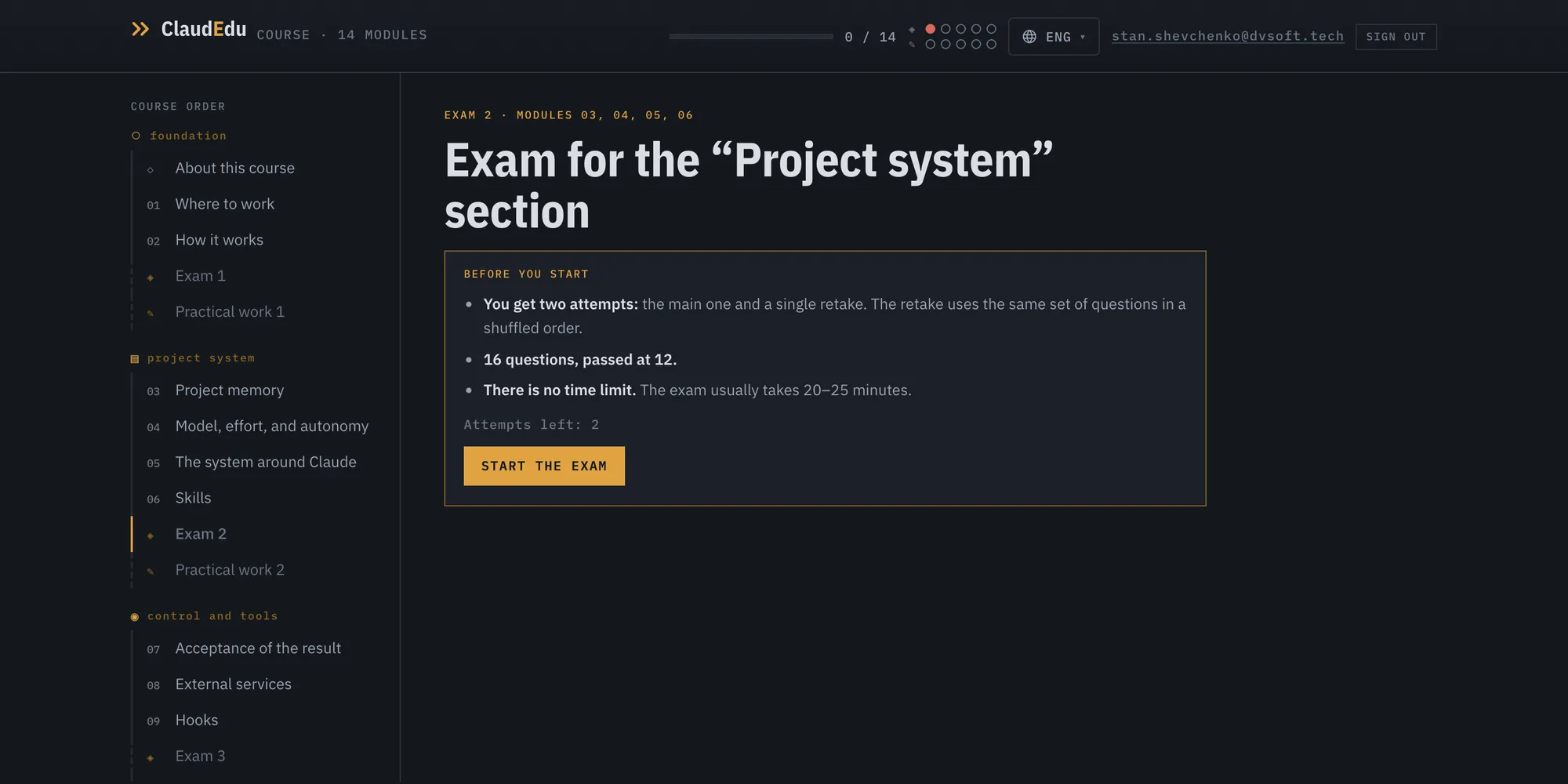
The exam has 15 questions and is passed at 11. Every option gets an explanation, the wrong ones included: why it is wrong.

Start free

The full programme

Sections: 29 — 14 modules, exams, practical assignments and reference material. Nothing is hidden.

Tap a module to read what it covers

foundation

01Where to work

You can use Claude Code in the Claude app, VS Code, the terminal, a browser, and on your phone. We will look at how these options differ and choose one environment where you will work for the rest of the course. The others can wait until a task actually requires them.

02How it works

How a language model forms responses, how an agent differs from chat, and how to manage context in Claude Code.

Exam and practical assignment

project system

03Project memory

One session's history ends, but work on the project continues. In this module, you will organize the project's rules, knowledge, and current state so that a new session can quickly understand what is happening and where to pick up.

04Model, effort, and autonomy

A stronger model, high effort, and autonomous mode solve different problems. In this module you will learn to understand what exactly is worth changing for a specific task — and when it is better not to touch the settings at all.

05The system around Claude

The quality of Claude's work depends not only on the model. Context, instructions, skills, tools, memory, the organization of the work, and the ways of checking it together form the system this model works in.

06Skills

A skill stores a recurring procedure, reference material, or working standard and loads it only when it is needed. In this module, you will create a skill for your project, learn to test it separately from the current session, and understand how to find and evaluate ready-made skills from other authors.

Exam and practical assignment

control and tools

07Acceptance of the result

How to build acceptance of the work so it holds outside your own head: a criterion, evidence and someone to check. The tool is chosen after those three, not instead of them.

08External services

As long as Claude works inside the project, the worst mistake costs one rollback. An external service changes the cost: an email has already been read, a task has already been updated, a post has already been published. This module is about when connecting a service is actually necessary, how to give it the minimum required permissions, and and how to determine the recovery boundary in advance if it makes a mistake.

09Hooks

A hook connects an event in Claude Code to an automatic action. Claude has started or continued a session, is about to use a tool, has already performed an action, or is finishing the current turn — at that moment, you can automatically run a check, a command, or a tool from a connected service. In this module, you will configure your first hook and learn to design more complex automatic reactions without having to write technical files manually.

Exam and practical assignment

scaling

10Limits and cost

With a subscription, the meter is not running for every request, so it seems there is nothing to save. But there is a limited resource: the amount of work included in the plan and the time until it resets. This module is about the subscription boundary, how limits work, the factors that affect usage, and the decision you make when there is work left but the quota has run out.

11Orchestration

One session stops being enough not when a task is complex, but when it acquires a structure: parts, dependencies between them, and points where the results have to come together again. Orchestration starts not with the number of agents, but with deciding which work depends on which, what can genuinely be done at the same time, and where several workers have to join back up.

12Plugins

A plugin adds a set of capabilities to Claude Code at once: skills, assistants, hooks, MCP integrations, and tools for working with code. The fact that it is installed says almost nothing about its usefulness—it is more important to understand exactly what the plugin adds, what problem it should solve, and whether Claude's behavior changed after installation. In this module, you will learn to look inside an extension before installing it, test it on a real task, and take a separate look at LSP—a plugin that changes how Claude works with code.

Exam and practical assignment

autonomous work

13Working without you

How to hand Claude work that runs without you: on a schedule, on an event, in the background. And how to make sure it was actually done, not merely started.

reliability

14Failure modes

This is the last module of the course, and it is about the only problem left: everything is built correctly, and the result is still wrong. The check passes because the criterion changed along the way. The context is poisoned, and the reviewer repeats the worker's mistake. So many mechanisms have accumulated that no one can say anymore which one is there for what. We will examine four failure modes, and at the end we will assemble both of your course projects into a single system and look at it as a whole.

Exam and practical assignment

Tools

Decision tool

The hardest part of Claude Code is not writing a skill, but understanding whether the task requires a skill at all, rather than a hook, rule, connection, or schedule. Two or three questions, and you get one mechanism and the number of the module where it is covered.

Cheat sheet

Everything you return to, all in one place.

Controversial

The documentation explains what the tool can do and what tasks it is intended for. Practice reveals the cost, limitations, and cases where a technique does not pay off. What follows is not a list of what is “right” and “wrong,” but guidelines worth testing on your own tasks.

Glossary

Each term is explained where it first appears. Here they are collected together, in alphabetical order, with the module where the concept is covered in full.

What you get

Read and do. There is no video here at all.

Come back and find it

Text is searchable and can be skimmed. In a five-hour video you have to remember where the important part was said.

Go at your own pace

No schedule, no calls, no cohort that left without you.

Have time to apply it, not just skim it

Six months of access from the purchase — enough to bring both of your projects to a working state.

Keep up with Claude

Claude changes and the course changes with it. You hear about every update by email, not by accident.

Find out you got it wrong in time

Before you build your work on it: a quiz after every module, an exam after every group. 206 questions in all.

Get a review from a person

Five practical assignments. I read every one and answer within seven working days.

No webinars, and no five-hour videos of general information.

Who wrote this

Stas Shevchenko

Stas Shevchenko. Nine years in product management: fintech, banking, mobility, insurtech, telecom. Founder of WisemindApp. CEO of Digital Vanguard.

I don’t write code and I can’t read it. I build products anyway — with Claude. cashbackstacker.com runs and updates itself every day without me. WisemindApp is an app for DBT training, used by some fifty DBT specialists. Both were built the same way the course teaches.

The course is built out of my own work, my experience and my mistakes.

WisemindApp, an app for DBT training
cashbackstacker.com, a cashback matching service

Why not just look it up yourself

You can look up anything. Anthropic’s documentation is open, there are plenty of videos, and any single question has an answer somewhere.

What you can’t look up is the order. Every time you work out from scratch what this type of task needs, and you don’t know what you failed to ask. You see the mistake a week later, once something is already built on it.

The course gives you the order up front: what to do step by step, what to check it with, and where it usually breaks.

requirement

What you need: a Claude subscription and a computer. We set up the rest together in the first module, which is free.

What it costs

$199

  • All 29 sections of the course.
  • Exams and tests: 206 questions in total.
  • Five practical assignments. I go through each one myself and reply within seven working days.
  • Updates for as long as you have access, with a changelog and an email.
  • Six months of access from the moment you buy.
  • Russian, English and Armenian. You can switch language at any point; progress is shared.

Refund within 14 days. The right to a refund ends once you submit a practical assignment for review: I have already gone through it.

How to pay. Payment by card. Access and the receipt arrive by email right after payment.

Buy the course

Payments are being set up — write to me if you want to buy sooner.

Questions

I don’t write code at all. Is this for me?
The course is written for people who don’t write code. It does not teach programming. It teaches you to set the agent’s tasks and check what it did. There is no assignment in it that requires writing code by hand.
How is this better than the docs and YouTube videos?
Documentation answers the question you have already asked. The course answers the ones you haven’t asked yet, in the order they come up in real work.
Won’t the course be out of date in a month?
Claude changes fast and the course changes with it. Every update is a changelog entry and an email to you. The date of the last check against the documentation is above, in the section on how the course works.
How long will this take?
The text is about six hours of reading. The assignments and your two projects go at your own pace, and six months of access is exactly so that you don’t have to rush.
What if it isn’t for me?
The first group is open in full, exam included: you see how the course is written and what it asks of you before paying anything. If it doesn’t suit you after buying, there is a refund within 14 days.
Why $199?
That is what it costs to give you a procedure for checking someone else’s work. Retellings of the documentation sell for less, and you really can find those for free.
Do I need a Claude subscription, and what does it cost?
Yes, and it is not included in the price of the course. You can start on the Pro plan, which is $20 a month. The course was written on a more expensive plan, and the module on limits and cost works out which plan is enough for you.

Start with the free part

Start free

Free: the intro, 2 modules and an exam. All you need is your email.

Start free